

Content Hubs Strategy: Turn Pain Points Into Traffic (2026)
Stop writing one-off blog posts. Learn how to build multi-format content hubs that actually rank and convert. Templates included.


You’re stuck on the content treadmill. Another blog post about “industry trends” or “top tips.” It feels generic because it is. You’re guessing what your audience wants, and the underwhelming traffic and engagement prove it.
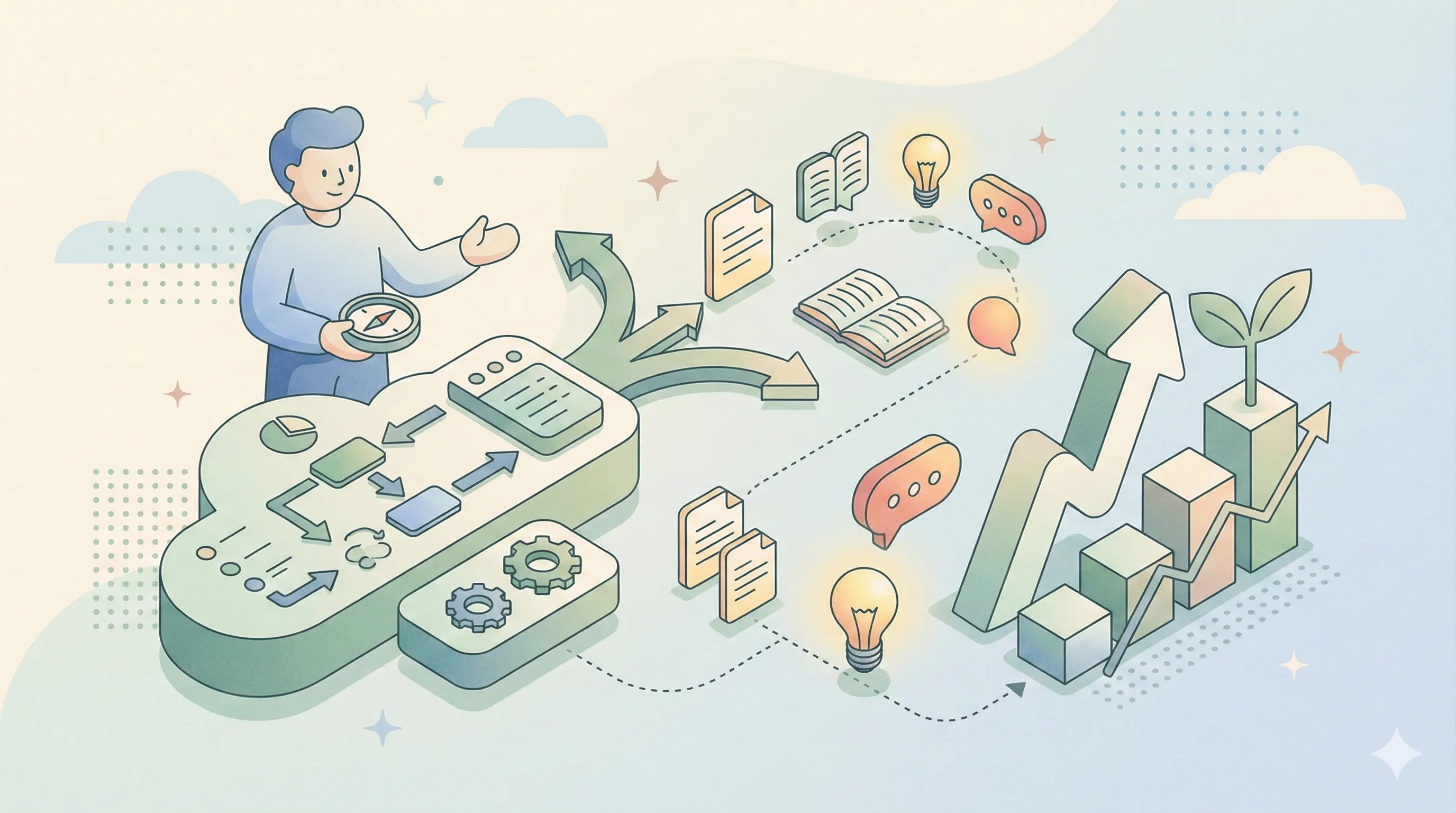
What if I told you the topics for your most powerful, resonant, and high-converting content are being written for you, daily, by your own customers? They’re hiding in your support tickets, live chat logs, and survey responses. These are your customer pain points, and they are not just support issues, they’re your ultimate content compass.
Most SaaS companies operate with a critical disconnect. The support team battles the same frustrating questions on repeat, while the marketing team struggles to find “relevant” topics, often resorting to competitor analysis or industry jargon. This creates irrelevant content that fails to rank, fails to resonate, and does nothing to build trust or authority.
By the end of this guide, you’ll have a system. You’ll know how to systematically mine your customer pain points, transform them into targeted keyword hubs, and amplify that single insight across blogs, videos, podcasts, and more. This isn’t just theory; it’s a practical blueprint to drive organic traffic, slash support costs, and build content that people actually bookmark and share.
Why Customer Pain Points Are Your Ultimate Content Compass
Forget brainstorming sessions based on what you think your audience cares about. The most reliable source of truth is the literal record of what’s keeping them up at night. When you build your content strategy around customer pain points, you align perfectly with the three pillars of successful marketing: search intent, user trust, and commercial intent.
First, pain points map directly to high-intent search queries. Someone searching “how to merge duplicate contacts in [Your CRM]” is in active problem-solving mode. They’re not casually browsing; they need an answer now. Content that directly addresses this is almost guaranteed to have lower bounce rates and higher dwell time because it’s exactly what the user sought. Google rewards this relevance with better rankings.
Second, it builds immense trust and authority. When a potential customer sees that you’ve published a detailed guide solving the exact, niche problem they’re wrestling with, you’re no longer a faceless vendor. You’re a problem-solver. This transforms your content from marketing into a public utility. Addressing support pain points proactively signals that you listen, you understand, and you’ve built the solution.
Finally, this approach drives real conversions. Solving an immediate, painful problem creates a “quick win” experience for the user. This positive association makes them far more likely to trust you with bigger solutions (like buying your product). In saturated SaaS markets, this pain point content marketing strategy is your competitive edge. While others talk about features, you’re demonstrating empathy and tangible value.
The SEO Advantage of Pain-Driven Content
Let’s get tactical about SEO. Traditional keyword research often starts with broad terms like “project management software.” That’s a crowded, high-competition space. But drilling into pain points reveals long-tail, specific keywords with clear intent.
For example, a broad keyword might be “time tracking.” A pain-point-derived keyword is “why does my time tracking app keep logging me out.” The second query indicates frustration, a specific technical issue, and a user who is likely a current user of a competitor’s buggy app. Creating a troubleshooting guide or a video tutorial titled “Fix Time Tracking App Logout Issues in 3 Steps” captures this high-intent traffic. These searchers are further down the funnel, more engaged, and more likely to convert because you’ve solved a concrete, painful problem.
Case Study: SaaS Companies Winning with Pain Points
Consider a real example. A mid-sized SaaS company in the HR tech space was struggling with content engagement. They shifted strategy. Instead of writing about “The Future of HR,” they analyzed 6 months of support tickets.
They found a huge cluster of questions around “automating compliance reporting for remote employees.” This was a specific, complex, and stressful SaaS customer support issue. They created a comprehensive “pillar” guide on the topic, supported by “cluster” content like checklists for state-specific regulations, video walkthroughs of their reporting feature, and a webinar with a compliance expert.
Within 90 days, organic traffic to that topic cluster increased by 45%. More importantly, the support tickets on that specific issue dropped by 60%, and leads generated from that content had a 35% higher conversion-to-trial rate. The content paid for itself by reducing support load and driving higher-quality leads.
Step 1: Mining Gold from Support Tickets and Feedback
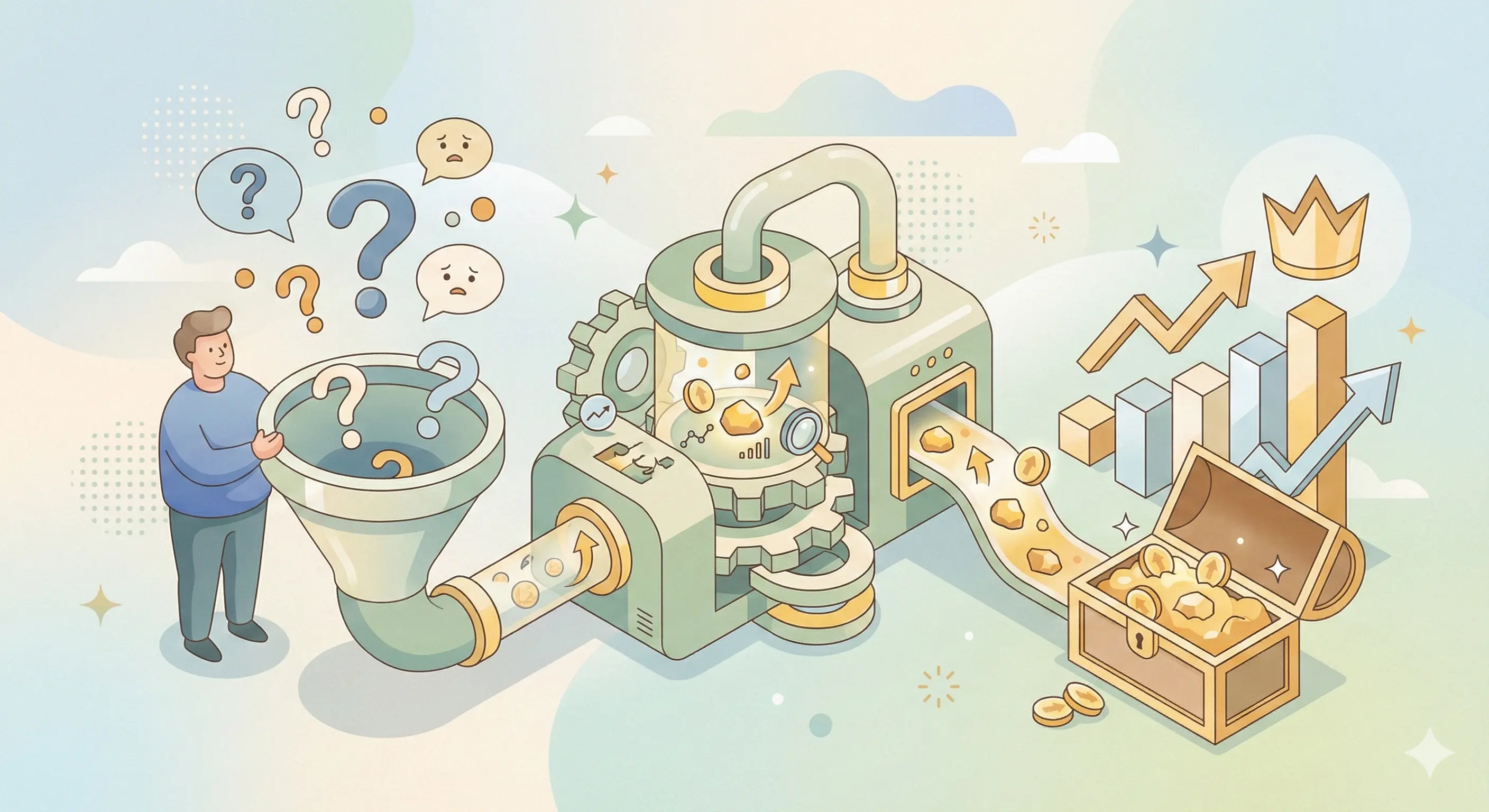
You can’t act on pain points you haven’t collected and categorized. This step is about moving from anecdotal frustration (“Ugh, we get that question a lot”) to a structured, data-driven inventory. This is the foundation of your entire strategy.
Start with the obvious sources: your help desk (Zendesk, Freshdesk), live chat transcripts (Intercom, Drift), and customer feedback surveys (NPS, CSAT). Don’t just skim. Systematically analyze them.
Tools and methods are crucial. Export ticket data monthly. Use tags and categories religiously in your support tool. If you don’t have a tagging system, start one now. Common categories include: Onboarding & Setup, Billing & Payments, Feature Gaps/Requests, Integrations, Bugs/Errors, and “How-To” Questions.
Prioritization is key. Not all pain points are equal. Create a simple scoring matrix. Rate each recurring issue on:
- Frequency: How often does it come up? (Scale 1-5)
- Frustration Level: Is it a minor annoyance or a deal-breaking headache? (Gauge from chat sentiment).
- Impact on Business: Does this issue directly lead to churn, delayed expansion, or high support costs?
A frequent, high-frustration issue that impacts retention is your content goldmine. Involving cross-functional teams is non-negotiable. Hold a monthly meeting with leads from Support, Sales, and Product. Support brings the raw tickets, Sales shares the objections they hear in demos (“Prospects are worried about X”), and Product provides context on the roadmap. This 360-degree view ensures you’re capturing both current frustrations and future needs.
Automating Pain Point Discovery with AI
For larger teams, manual analysis becomes impossible. This is where AI tools come in. Platforms like Cresta, Guru, or even built-in analytics in Intercom and Zendesk can automatically scan thousands of chat transcripts and tickets.
They can:
- Cluster similar conversations together, identifying the top 10 issues without you reading a single ticket.
- Analyze sentiment, flagging conversations where frustration or confusion is high.
- Surface trending topics, showing you new issues that are spiking in frequency.
Think of AI as your tireless research assistant, constantly sifting through customer conversations to hand you the most urgent topics on a silver platter.
Creating a Pain Point Inventory Template
You need a single source of truth. Here is a simple template you can start in a Google Sheet or Airtable. This turns vague ideas into an actionable content backlog.
| Pain Point ID | Description (In Customer's Words) | Category | Frequency (1-5) | Frustration (1-5) | Business Impact (Churn, Support Cost) | Keywords Identified | Content Format Planned | Status |
|---|---|---|---|---|---|---|---|---|
| PP-023 | "I can't figure out how to set up automatic invoicing for my retainer clients." | Onboarding/Feature Usage | 4 | 3 | High (Leads to non-renewal) | "automate retainer invoicing", "set up recurring invoices" | Video Tutorial, Step-by-Step Blog Post | Keyword Research |
| PP-041 | "The report exports as a PDF but I need the data in Excel to manipulate." | Feature Gap | 5 | 4 | Medium (Daily frustration for power users) | "export report to Excel", "get analytics data csv" | Product Update Blog, Workaround Guide | Assigned to Writer |
| PP-067 | "My team ignores the project timeline updates, so it's always out of date." | Adoption/Process | 3 | 5 | High (Undermines product value) | "get team to update project timeline", "project management adoption" | Webinar, Team Leader Checklist | Published |
Action: This week, export your last 100 support tickets. Read them and populate 10 rows in this template. The patterns will jump out at you.
Step 2: From Pain Point to Keyword Hub
Now, take a raw pain point like “My team ignores the project timeline” and transform it into a searchable keyword strategy. This is where you connect internal language with how people actually search.
Begin by conducting keyword research around the pain point. Use the customer’s exact phrasing as a seed keyword. Tools like Ahrefs, SEMrush, or even Google Keyword Planner are essential. Type in “team ignores project timeline.” Look at related searches, questions, and keyword variations. You’ll find gems like:
- “how to get team to update project plan”
- “project management tool adoption”
- “why my team doesn’t use software”
Cluster these keywords by intent.
- Informational: “how to get team to update…” – This user needs advice. Create a blog post or guide.
- Commercial: “best project management tool for team adoption” – This user is comparing solutions. A comparison page or case study fits.
- Transactional: “[Your Tool] team onboarding” – This user is ready to act. A demo page or free trial CTA is key.
This process of turning feedback into keywords allows you to build a topic cluster. The core pain point becomes your “pillar” page, a comprehensive, ultimate guide to solving that problem. The related intent-based keywords become your “cluster” content (blog posts, FAQs, videos) that all link back to the pillar. This signals to Google that you are a deep authority on this topic.
Building Topic Clusters Around Core Pain Points
Let’s build out the “team adoption” cluster.
- Pillar Page (Core Pain Point): “The Ultimate Guide to Getting Your Team to Actually Use Your Project Management Software.”
- Cluster Content (Supporting Pieces):
- Blog: “5 Reasons Your Team Ignores Your Project Timeline (And How to Fix It)”
- Video: “A 10-Minute Team Onboarding Walkthrough That Sticks”
- Checklist: “Pre-Launch Checklist for Rolling Out New Software to Your Team”
- Webinar: “From Resistance to Adoption: A Manager’s Playbook”
This hub-and-spoke model comprehensively owns the topic, caters to different learning styles, and creates multiple entry points for search traffic.
Intent Mapping for Multi-Stage Funnels
Your keyword hub should also align with the buyer’s journey. Map your content to the funnel:
-
Awareness (Top of Funnel): Address the broad pain.
- Content: “Signs Your Team’s Project Management Process Is Broken”
- Keyword: “inefficient project management.”
-
Consideration (Middle of Funnel): Offer solutions and comparisons.
- Content: “Asana vs. Trello vs. [Your Tool] for Team Adoption”
- Keyword: “best tool for team collaboration.”
-
Decision (Bottom of Funnel): Overcome final objections and drive action
- Content: “Case Study: How Company X Got 100% Team Buy-In in 2 Weeks”
- Keyword: “[Your Tool] implementation success.”
This ensures your pain point content marketing doesn’t just attract strangers, but systematically guides them toward your solution.
Step 3: Amplifying Reach with Multi-Format Content
A single blog post is a starting point, not a finish line. Your ideal customer consumes information in different ways. The project manager might prefer a detailed blog post, the busy executive a 3-minute video summary, and the on-the-go team lead a podcast episode. By repurposing your core pain-point insight into multiple formats, you dramatically increase your reach and reinforce the message.
Start with the deepest format first. Often, this is a long-form written guide or pillar page. It contains your full argument, all your data, and your complete solution. From this mother lode, you can mine endless content.
Adapt for different audiences:
- Video Tutorials/Webinars: Perfect for visual learners and complex, step-by-step processes. Turn a guide on “merging duplicate contacts” into a 5-minute Loom video. The “team adoption” pillar page can become a 45-minute webinar with Q&A.
- Podcasts/Audio Content: Extract the core narrative and key takeaways for an audio format. Interview your head of support about the top 3 pain points they see. This builds authority and reaches people during their commute.
- Infographics & Checklists: Distill complex processes into a one-page visual or a actionable checklist. These are highly shareable and serve as fantastic lead magnets. “The 5-Step Audit to Fix Your Reporting” is a checklist people will use and share.
- Whitepapers & Case Studies: For high-value, complex B2B pain points, a deep-dive whitepaper or a detailed case study provides the evidence and depth that enterprise buyers need to justify a decision.
This multi-format content creation strategy builds a content hub that caters to everyone, maximizing the ROI of your initial research and writing effort.
Repurposing Core Content Across Formats
Here’s a practical, repeatable process for turning one pillar guide into a month’s worth of content:
- Write the Ultimate Guide (3,000-word blog post).
- Script and record a webinar based on the guide’s structure. Host it live, then post the recording.
- Edit the webinar recording into 3-4 short video tutorials for YouTube and social media.
- Use the webinar audio as a podcast episode.
- Create an infographic summarizing the guide’s key steps.
- Turn each main section of the guide into a standalone LinkedIn article or Twitter thread.
- Pull out compelling quotes for social media graphics.
One core pain point, one week of deep work, seven pieces of distributed content.
Table: Content Format Comparison for Pain Points
Choosing the right format depends on your goal. Use this table as a guide:
| Format | Best For Pain Point Type | SEO Value | Production Effort | Engagement Potential | Ideal for Funnel Stage |
|---|---|---|---|---|---|
| Blog Post / Guide | Complex explanations, step-by-step solutions, comprehensive FAQs. | Very High (Targets long-tail keywords, great for indexing). | Medium | High (Dwell time, bookmarks). | All Stages (Awareness to Decision) |
| Video Tutorial | Visual/process-driven problems (software setup, UI navigation). | High (YouTube is the 2nd largest search engine). | Medium-High | Very High (High retention if problem is solved). | Consideration, Decision |
| Podcast / Audio | Strategic, narrative-driven problems (team adoption, process change). | Medium (Growing via audio search, great for repurposing). | Low-Medium | Medium (Builds intimate authority). | Awareness, Consideration |
| Infographic / Checklist | Simplifying complex data or multi-step processes. | Medium (Great for backlinks and shares). | Low | High (Easy to consume and share). | Awareness, Consideration |
| Webinar / Live Q&A | High-frustration, urgent topics needing expert interaction. | Medium (Live engagement, repurposable content). | High | Very High (Direct interaction). | Consideration, Decision |
| Case Study | Proving your solution works for a specific, high-stakes pain point. | High for commercial intent. | High | High for qualified leads. | Decision |
Measuring Success and Iterating
Launching content is not the end. It’s the beginning of a feedback loop. You must measure what’s working to double down on success and pivot from what’s not. Your goal is to prove that identifying customer pain points for content has a tangible ROI.
Track these Key KPIs:
- Organic Traffic & Rankings: Are your pain-point keyword hubs ranking and attracting visitors? Use Google Search Console.
- Engagement Metrics: Look at time-on-page, bounce rate, and scroll depth (via Hotjar or Microsoft Clarity). Pain-point content should have lower bounce rates and higher engagement.
- Conversion Metrics: Are these visitors signing up for your newsletter, downloading a related lead magnet, or starting a trial? Track this in your CRM or analytics.
- Support Impact: The most direct metric. Monitor the volume of tickets related to the pain points you’ve addressed. A successful content piece should reduce related tickets.
Use feedback loops to refine. The comments on your blog post, the questions in your webinar, and the new support tickets that come in after you publish are all gold. They represent the next layer of nuance in the problem. Use them to update your pillar page, create new cluster content, and inform product development.
Key Metrics to Track for ROI
To build a business case, translate content efforts into business outcomes:
- Reduced Support Costs: If a video tutorial reduces a specific ticket type by 10 per month, and each ticket costs $15 to handle, you’ve saved $150/month. That’s $1,800 annually from one piece of content.
- Increased Lead Quality: Track the lead-to-customer conversion rate from pain-point content vs. generic blog content. Often, pain-point leads are 2-3x more likely to convert because they have a defined problem you’ve shown you can solve.
- Content Lifespan: Generic “trend” posts die in 6 months. A definitive “how to solve X” guide can drive traffic for years. Measure the sustained traffic value of your pain-point hubs.
Implementing a Quarterly Review Cycle
Make this process systematic. Every quarter:
- Audit Performance: Gather data on your top 10 pain-point content pieces. Which drove the most traffic, leads, and ticket reduction?
- Re-analyze Support Data: What are the new top 5 pain points from the last quarter?
- Cross-functional Alignment: Present findings to Support, Sales, and Product. Decide: Do we create new content, update/refresh existing top performers, or abandon topics that didn’t resonate?
- Plan Next Quarter: Based on the data, plan your next content hub. This ensures your strategy stays dynamic and customer-driven.
Conclusion
Your customers’ frustrations are not a burden on your support team; they are the most valuable, untapped resource for your marketing team. Customer pain points provide the blueprint for a content strategy that is inherently useful, perfectly aligned with search intent, and builds unparalleled trust.
Stop guessing. Stop writing for algorithms. Start listening to the problems your customers are desperately trying to solve. Transform those support pain points into comprehensive keyword hubs, and amplify that value across every format your audience uses. This is how you create content that doesn’t just get clicks, but gets bookmarked, shared, and relied upon.
Ready to start? The first step is the simplest. Open your support tool right now. Look at the last 20 tickets. What’s one problem that comes up again and again? That’s your next blog post, your next video, your next win.
Frequently Asked Questions
Q1: What is a content hub strategy and how does it turn customer pain points into traffic?
A1: A content hub strategy organizes your content around a central “pillar” topic that addresses a specific customer pain point, then builds supporting “cluster” content (blogs, videos, checklists, webinars) that answer related questions, all interlinked. Instead of guessing topics, you mine real pain points from support tickets, live chats, and surveys. Each pain point becomes a keyword hub. For example, a recurring support issue like “my team ignores project timeline updates” becomes a pillar guide, plus cluster posts on adoption tips and comparison pages. This aligns with high‑intent search queries, reduces bounce rates, builds trust, and drives conversions. It transforms reactive support problems into proactive, ranking content that attracts and solves for your ideal customers.
Q2: How do I find customer pain points to use for content hubs without expensive tools?
A2: Start with free, internal sources: export your last 100 support tickets (Zendesk, Freshdesk) and live chat transcripts (Chatbase, Intercom, Drift). Read for recurring phrases, frustrations, and “how do I” questions. Also review NPS/CSAT survey comments, sales call notes, and product feedback. Create a simple spreadsheet with columns: Pain point description (in customer’s words), frequency (1‑5), frustration level (1‑5), and business impact (churn, support cost). Tag each issue (e.g., onboarding, billing, bugs). Within a few hours, you’ll spot patterns. For example, “can’t figure out automatic invoicing” appears 12 times; that’s your first content hub. No paid tool required. Prioritize high‑frequency, high‑frustration issues that affect retention.
Q3: What is the pillar‑cluster model and how do I build one from a customer pain point?
A3: The pillar‑cluster model is an SEO architecture where one comprehensive “pillar” page broadly solves a core pain point, and multiple “cluster” pages (blog posts, videos, FAQs) dive into specific subtopics, all interlinked. To build one from a pain point: Identify the core pain, e.g., “team ignores project timeline." Write a 3,000+ word pillar guide: “The Ultimate Guide to Getting Your Team to Actually Use Project Management Software.” Create cluster content targeting long‑tail keywords: “5 reasons your team ignores timeline,” “team onboarding checklist,” “case study: 100% adoption in 2 weeks.” Link every cluster piece back to the pillar and pillar to clusters. This signals topical authority to Google, ranks for multiple intent keywords, and captures searchers at awareness, consideration, and decision stages.
Q4: How can I repurpose one pain‑point pillar into multiple content formats to maximize reach?
A4: Use the “mother lode” method. Start with one in‑depth pillar guide (3,000+ words). From it, create:
-
A 45‑minute webinar (live, then recorded).
-
3‑4 short video tutorials for YouTube (extract step‑by‑step processes).
-
A podcast episode using the webinar audio.
-
An infographic summarizing key steps.
-
5‑7 LinkedIn articles or Twitter threads from each section.
-
Social graphics with pull quotes.
-
A checklist lead magnet (e.g., “5‑Step Audit to Fix Reporting”).
This one‑to‑many repurposing caters to different learning styles (visual, auditory, readers), extends content lifespan, and multiplies SEO and social reach without creating new core research. Each format links back to the pillar, driving compounding traffic.
Q5: How do I measure the ROI of a pain‑point content hub beyond traffic?
A5: Track value metrics that tie directly to business outcomes:
-
Reduced support tickets – measure volume of tickets related to that pain point before vs. 90 days after publishing. If a video tutorial reduces 10 tickets/month at $15/ticket, that’s $150/month saved.
-
Lead quality – compare lead‑to‑customer conversion rates from pain‑point content vs. generic blog posts (often 2‑3x higher).
-
Organic engagement – lower bounce rate, higher time‑on‑page, and return visits in analytics tools.
-
Content‑sourced revenue – use UTM parameters and CRM attribution to track closed‑won deals that touched the hub.
-
Lifespan traffic – a definitive “how to solve X” guide drives traffic for years, unlike trend posts. Create a quarterly dashboard with these KPIs to prove ROI and guide iteration.
Thanks for reading! ❤️
Written by
JenishRead Next

Turn this into your AI Search strategy
LLaMaRush creates SEO, AEO, and GEO optimized content built to rank in Google and get cited by AI answer engines.
Start Ranking Everywhere