

Insurance Agent Schema: How to Add JSON-LD Code for AI & Local Search
Learn how to implement FAQ schema markup for your insurance agency. Get real code examples, validation tips, and a deployment checklist to capture rich results and high-intent local leads.


Your website probably tells visitors you're a licensed insurance agent serving families in your city. But here's what most agents don't realize: Google has no idea what you actually do.
Search engines read websites like humans read contracts. They see words, not meaning. A page that says "auto insurance" could be a blog post, a service page, a carrier comparison, or a quote request form. Google has to guess.
Schema markup is how you stop the guessing. It's code you add to your website that labels your information, invisible to visitors but crystal clear to search engines. It answers specific questions: What services do you provide? Where are you located? What are your hours? Do you have client reviews? Are you licensed?
For insurance agents, this isn't optional anymore. Insurance is a YMYL (Your Money or Your Life) industry, Google applies stricter scrutiny to how trustworthy, clear, and accurate your site is. Schema markup helps reinforce that trust by explicitly declaring who you are, what you offer, where you operate, and what qualifications you have.
In 2026, schema isn't about ranking hacks. It's about being understandable, trustworthy, and usable in an AI‑first search landscape.
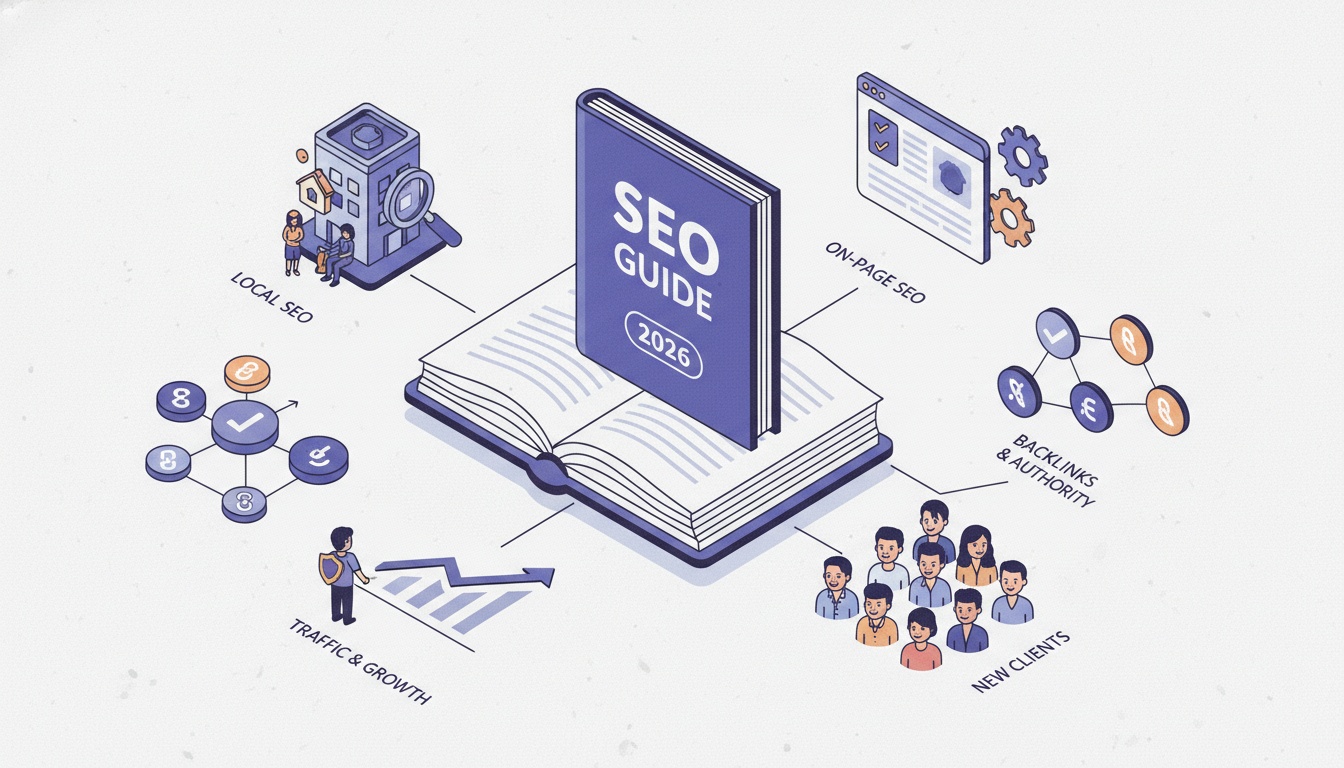 A step-by-step SEO playbook for insurance agents to attract local leads through search.
Chapter 1: Why Schema Matters More in 2026 Than Ever
For years, schema was a "nice to have." In 2026, it's becoming essential.
The AI Search Shift No One Is Talking About
Search engines no longer just read your content; they interpret it. AI-powered platforms like ChatGPT, Google's AI Overviews, and voice search now rely heavily on structured data to determine which businesses to reference and recommend.
When your pages earn rich results like star ratings, FAQs, or business hours directly in search results, they dominate more screen space and attract more attention. Google itself reports that structured data can drive 20‑30% higher click‑through rates for enhanced listings.
But the bigger shift is happening behind the scenes. AI assistants are now pulling information directly from structured data to answer user questions. A potential client asks their phone, "Find me a licensed insurance agent near me," and the AI scans schema markup to find someone with the right credentials, service areas, and reviews. If your site doesn't have schema, the AI can't find you.
What Schema Actually Does (And Doesn't Do)
Google has stated clearly: Schema markup is not a direct ranking factor. Simply adding schema to your site will not automatically move your website higher in search results.
But here's what it does do:
-
Improves click‑through rates: Rich results stand out visually, attracting more clicks from users who are already in decision mode.
-
Enables rich results: Star ratings, FAQs, business hours, and service information appear directly in search listings.
-
Strengthens entity relationships: Helps Google connect your brand to real‑world entities like locations, services, and people.
-
Supports AI retrieval: Helps AI systems confidently reference your site in answers and recommendations.
-
Builds E‑E‑A‑T signals: Properly implemented schema reinforces your expertise, service areas, and credibility.
Think of schema as the bridge between your content and how machines understand it. Your existing SEO efforts work better when search engines clearly understand what you offer.
Chapter 2: The Core Schema Types Every Insurance Agent Needs
You don't need every type of schema available. Focus on these five core types that directly impact how Google understands your agency.
1. InsuranceAgency Schema (Your Primary Business Entity)
This is your foundation. InsuranceAgency schema tells Google exactly what kind of business you are, not a restaurant, not a retail store, but a licensed insurance agency.
Use InsuranceAgency as your primary business entity schema. Key properties to include:
name– Your agency's legal business nameaddress– Complete physical addresstelephone– Your main business phone numberareaServed– Cities or zip codes you serveopeningHours– Your business hoursurl– Your website addresspriceRange– Optional, indicates your pricing level (e.g., "$$")
For multi‑location agencies, link each InsuranceAgency entity to specific LocalBusiness schemas for each office.
Copy‑paste JSON‑LD code for your homepage:
<script type="application/ld+json">
{
  "@context": "https://schema.org",
  "@type": "InsuranceAgency",
  "name": "Your Agency Name",
  "url": "https://youragency.com",
  "logo": "https://youragency.com/logo.png",
  "image": "https://youragency.com/office-photo.jpg",
  "description": "Independent insurance agency serving [City Name] families with auto, home, and life insurance since [Year].",
  "address": {
    "@type": "PostalAddress",
    "streetAddress": "123 Main Street",
    "addressLocality": "Your City",
    "addressRegion": "CA",
    "postalCode": "12345",
    "addressCountry": "US"
  },
  "geo": {
    "@type": "GeoCoordinates",
    "latitude": "37.7749",
    "longitude": "-122.4194"
  },
  "telephone": "+1-555-123-4567",
  "email": "[email protected]",
  "openingHoursSpecification": [
    {
      "@type": "OpeningHoursSpecification",
      "dayOfWeek": ["Monday", "Tuesday", "Wednesday", "Thursday", "Friday"],
      "opens": "09:00",
      "closes": "17:00"
    }
  ],
  "areaServed": {
    "@type": "City",
    "name": "Your City"
  },
  "priceRange": "$$",
  "sameAs": [
    "https://www.facebook.com/youragency",
    "https://www.linkedin.com/company/youragency"
  ]
}
</script>
2. Service Schema (For Each Coverage Type You Offer)
Service schema lets you define each of your offerings; auto, home, life, commercial, Medicare, as distinct services. This helps Google match your agency to specific, high‑intent searches.
Add Service schema to each dedicated service page on your website. For example:
/auto-insurance→ Service: Auto Insurance/home-insurance→ Service: Homeowners Insurance/life-insurance→ Service: Life Insurance
Copy‑paste JSON‑LD code for your auto insurance page:
<script type="application/ld+json">
{
  "@context": "https://schema.org",
  "@type": "Service",
  "serviceType": "Auto Insurance",
  "provider": {
    "@type": "InsuranceAgency",
    "name": "Your Agency Name",
    "url": "https://youragency.com"
  },
  "areaServed": {
    "@type": "City",
    "name": "Your City"
  },
  "description": "Compare auto insurance rates from multiple carriers. Get coverage for liability, collision, comprehensive, and uninsured motorist.",
  "name": "Auto Insurance in [Your City]",
  "offers": {
    "@type": "Offer",
    "availability": "https://schema.org/InStock",
    "priceSpecification": {
      "@type": "PriceSpecification",
      "priceCurrency": "USD"
    }
  }
}
</script>
Pro tip: Be specific with your serviceType. "Auto Insurance" is good. "Auto Insurance for Teen Drivers" is better for a dedicated service page targeting that audience.
3. LocalBusiness Schema (For Multi‑Location Agencies)
If you have multiple office locations, LocalBusiness schema helps each office appear in local "near me" searches. Use a specific subtype, InsuranceAgency is a subtype of LocalBusiness, so you're already covered if you use InsuranceAgency. For additional locations, create separate LocalBusiness entities for each address.
Key properties to include:
name– Office‑specific name (e.g., "Your Agency – Downtown")address– Complete street addresstelephone– Office‑specific phone numberopeningHoursSpecification– Hours for that specific officeparentOrganization– Link to your main agency entity
4. FAQPage Schema (For AI Answer Extraction)
FAQ schema went through a major shift recently. Google reduced visible FAQ rich results in standard search, but that doesn't mean FAQ schema is dead. It's more important than ever for AI comprehension and answer extraction.
When you use FAQ schema, AI systems can pull your answers directly into search results, voice responses, and AI overviews. Even if the visual rich result doesn't appear, the structured knowledge helps AI platforms trust and cite your content.
Copy‑paste JSON‑LD code for your FAQ section:
<script type="application/ld+json">
{
  "@context": "https://schema.org",
  "@type": "FAQPage",
  "mainEntity": [
    {
      "@type": "Question",
      "name": "What types of insurance do you offer?",
      "acceptedAnswer": {
        "@type": "Answer",
        "text": "We offer auto insurance, home insurance, life insurance, commercial insurance, and Medicare plans. We work with multiple carriers to find the best coverage for your specific situation."
      }
    },
    {
      "@type": "Question",
      "name": "Do you offer free insurance quotes?",
      "acceptedAnswer": {
        "@type": "Answer",
        "text": "Yes, we provide free, no‑obligation insurance quotes for all coverage types. Contact us to compare rates from our carrier partners."
      }
    },
    {
      "@type": "Question",
      "name": "What areas do you serve?",
      "acceptedAnswer": {
        "@type": "Answer",
        "text": "We proudly serve [Your City] and surrounding communities including [Nearby City 1], [Nearby City 2], and [Nearby City 3]."
      }
    },
    {
      "@type": "Question",
      "name": "Are you licensed in [Your State]?",
      "acceptedAnswer": {
        "@type": "Answer",
        "text": "Yes, we are fully licensed in [Your State] with license number [Your License Number]. We comply with all state insurance regulations."
      }
    }
  ]
}
</script>
Important: Every question and answer in your FAQ schema must appear visibly on the page. Do not add hidden questions. Google checks that markup matches visible content.
5. Person Schema (For Your Team's Credentials)
This is where insurance agents have a unique advantage. You can highlight professional licensing and credentials using Person schema on your About or Team pages. This directly signals E‑E‑A‑T (Experience, Expertise, Authoritativeness, Trustworthiness) to Google.
Key properties to include for each agent:
hasCredential– Describes specific licenses, certifications, or designations (e.g., state insurance license, CLU, ChFC)alumniOf– Educational backgroundmemberOf– Professional associations (e.g., NAHU, NAPA, IIABA)sameAs– Links to online profiles or government license lookup pagesknowsAbout– Areas of expertise (e.g., "Term Life Insurance", "Medicare Advantage")
Copy‑paste JSON‑LD code for your team page:
<script type="application/ld+json">
{
  "@context": "https://schema.org",
  "@type": "Person",
  "name": "Agent Full Name",
  "jobTitle": "Licensed Insurance Agent",
  "worksFor": {
    "@type": "InsuranceAgency",
    "name": "Your Agency Name"
  },
  "hasCredential": [
    {
      "@type": "EducationalOccupationalCredential",
      "name": "State of [Your State] Life and Health Insurance License",
      "credentialCategory": "Professional License",
      "validIn": "[Your State]"
    },
    {
      "@type": "EducationalOccupationalCredential",
      "name": "Chartered Life Underwriter (CLU)",
      "credentialCategory": "Professional Certification"
    }
  ],
  "knowsAbout": ["Auto Insurance", "Home Insurance", "Life Insurance", "Commercial Insurance"],
  "memberOf": {
    "@type": "Organization",
    "name": "National Association of Health Underwriters (NAHU)"
  },
  "sameAs": [
    "https://www.linkedin.com/in/agentprofile",
    "https://license.lookup.state.gov/agentlicense"
  ]
}
</script>
By structuring this information in schema, Google can better understand the trustworthiness and authority of the professionals behind your site.
 200+ insurance keywords organized by type and intent to help agents attract the right clients through search.
Chapter 3: Step‑by‑Step Implementation Guide
You don't need to be a developer to add schema to your website. Here's how to do it.
Step 1: Choose Your Implementation Method
Method A: Use an SEO Plugin (Easiest for Most Agents)
If you use WordPress, plugins like RankMath, Yoast SEO, or Schema & Structured Data for WP & AMP make adding schema simple. Most have built‑in templates for LocalBusiness, Organization, and FAQPage schema.
-
Go to your plugin's schema settings
-
Select "InsuranceAgency" or "LocalBusiness" as your business type
-
Fill in your business name, address, phone, hours, and service areas
-
The plugin generates the JSON‑LD code automatically
Method B: Manual JSON‑LD Implementation (More Control)
If you want full control or don't use a plugin with schema features, add the JSON‑LD code directly to your page's <head> section or just before the closing </body> tag.
-
Copy the JSON‑LD code examples from Chapter 2
-
Replace placeholder text with your actual business information
-
Paste the code into your website's template or individual page
-
For WordPress, you can add code to the header using a plugin like "Insert Headers and Footers"
Step 2: Test Your Schema Before Publishing
Never add schema without testing it first. Invalid JSON‑LD can cause Google to ignore your markup entirely.
Use these free tools before you publish:
| Tool | What It Does | URL |
|---|---|---|
| Google Rich Results Test | Shows if Google will show rich results for your page and previews how it might appear | search.google.com/test/rich-results |
| Schema.org Validator | Validates JSON‑LD syntax and structure, checks property names and data types | validator.schema.org |
| Google Search Console | After deployment, shows which pages have valid markup and tracks performance over time | search.google.com/search-console |
Two‑step validation workflow:
- First, validate with Schema.org Validator to confirm your JSON‑LD syntax is correct.
- Then, use Google's Rich Results Test to determine whether your specific schema implementation qualifies for enhanced search features.
Step 3: Deploy and Request Indexing
Once your schema is validated:
- Add the validated code to your live website
- Go to Google Search Console → URL Inspection
- Paste the URL of the page you updated
- Click "Request Indexing"
- Wait 24‑48 hours, then check the Rich Results report in Search Console to confirm Google has processed your schema
Step 4: Monitor Performance
After implementation, track these metrics in Google Search Console:
| Metric | What to Look For |
|---|---|
| Rich Results report | Shows which pages have valid markup and any errors |
| Impressions for service pages | Should increase as Google better understands your offerings |
| CTR for pages with rich results | Often increases 20‑30% when rich snippets appear |
| Structured data errors | Monitor and fix any warnings Google reports |
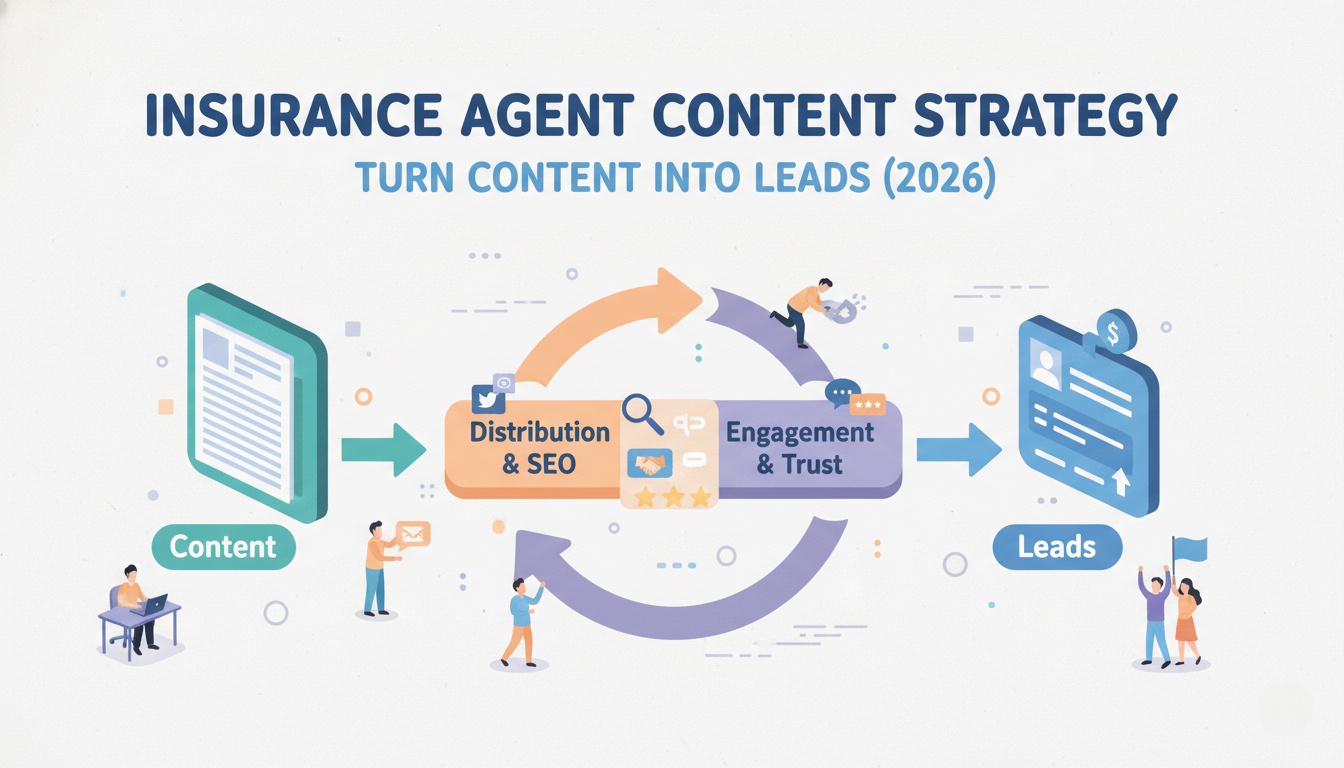 A repeatable content strategy framework to help insurance agents turn their blog into a trust-building, lead-generating machine.
Chapter 4: Real‑World Results from Schema Implementation
Still not convinced schema is worth the effort? Consider what happened to one independent insurance agency competing against billion‑dollar national carriers.
The case: Infinity Insurance Agency in California needed to break through search results dominated by GEICO and the California DMV. They weren't fighting for traditional rankings alone; they needed to establish themselves as a verified authority in the eyes of new AI algorithms.
The approach: Their team implemented sitewide Insurance Agency schema markup, defining Infinity not just as a website, but as a licensed, authoritative physical entity with specific coverage areas. They tailored the schema to specifically target state‑level data points, hard‑coding their relevance to "California" directly into the structured data.
The outcome: Shortly after deployment, Google's algorithms re‑indexed the site. Because the content was structured for machine reading, Infinity was immediately pulled into the premium "AI Overview" slots for high‑value terms. The result:
- 474% increase in AI Overview citations
- 4,60% increase in monthly organic traffic
- 671% increase in new organic keywords ranked
- Top 3 ranking in AI Overviews, behind only the California DMV (.gov) and GEICO
The impact was instant and undeniable. For an independent agency competing against billion‑dollar budgets, technical precision beat raw budget.
Chapter 5: Common Schema Mistakes That Kill Your Results
Even well‑intentioned schema can hurt you if implemented incorrectly. Avoid these common errors.
Mistake 1: Mismatched Content
Your schema data must match what users can actually see and verify on the page. Don't claim a 4.8‑star rating if you only have three reviews visible. Don't list service areas in schema that aren't mentioned on the page. Google checks for consistency, and mismatches can disqualify your pages from rich results entirely.
Mistake 2: Using Multiple Schema Plugins
Running two plugins that both generate schema can create duplicate, conflicting implementations. Search engines get confused when they receive conflicting signals from the same page. Pick one method, either your theme, a single plugin, or manual code, and stick with it.
Mistake 3: Hidden Content Markup
Marking up content that isn't visible to users, such as hidden FAQ sections or invisible reviews is considered a policy violation. Google's guidelines require that structured data represent information that is clearly visible on the page. Hidden markup can lead to manual actions.
Mistake 4: Forgetting to Update Schema
When your business hours change, you add a new service, or you move to a new location, update your schema. Outdated information in schema, like old prices, incorrect hours, or former addresses, erodes trust and can cause Google to ignore your structured data entirely.
Mistake 5: Using the Wrong Schema Type
A service page should not be marked up as an Article. An FAQPage should not be forced into LocalBusiness just to add extra properties. Use the schema type that accurately describes the content of the page. The more specific the type, the better Google understands your business.
Chapter 6: Implementation Checklist for Insurance Agents
Use this checklist to ensure your schema implementation is complete and correct.
Before You Start
-
Audit your current schema using Google Search Console's Rich Results report
-
Identify which pages need which schema types (homepage, service pages, FAQ, team page)
-
Gather all required information: business name, address, phone, hours, service areas, license numbers
Implementation by Page Type
Homepage:
-
Add
InsuranceAgencyschema -
Include name, address, telephone, url, opening hours
-
Add geo coordinates (latitude and longitude)
-
Add sameAs links to social profiles and GBP
Each Service Page (Auto, Home, Life, Commercial, etc.):
-
Add
Serviceschema -
Set
serviceTypeto the specific coverage type -
Link
providerto your InsuranceAgency entity -
Add
areaServedwith your service cities -
Include a clear description of what the service includes
FAQ Page or FAQ Sections:
-
Add
FAQPageschema -
Each Q&A pair must be visible on the page
-
No hidden questions or duplicate FAQs across pages
About / Team Page:
-
Add
Personschema for each licensed agent -
Include
hasCredentialfor licenses and certifications -
Add
memberOffor professional associations -
Include
sameAslinks to license lookup pages
After Implementation
-
Test every updated page with Google Rich Results Test
-
Validate JSON‑LD syntax with Schema.org Validator
-
Request re‑indexing for each updated URL in Google Search Console
-
Monitor Rich Results report for errors or warnings over the next 7‑14 days
-
Set a calendar reminder to review and update schema every 6 months
Conclusion: Speak Google's Language, Get Found
You know insurance better than any algorithm ever could. You know which carriers offer the best rates for young families. You know how to explain complex policy terms in plain English. You know how to be there when a client needs you most.
But none of that matters if Google can't find you.
Schema markup isn't about gaming the system. It's about speaking a language search engines understand so they can match you with people who need exactly what you offer. When your website clearly declares who you are, what you cover, where you operate, and why you're trustworthy, Google rewards that clarity with visibility.
The agencies winning in 2026 aren't the ones with the biggest marketing budgets. They're the ones that make it easiest for Google, and for AI assistants to understand, trust, and recommend them.
You've already done the hard work of building a reputable agency. Now let the code do the talking.
This schema guide is written exclusively for independent insurance agents and agency owners. If you're a web developer or SEO professional looking for advanced implementation details, please refer to Schema.org documentation.
Thanks for reading! ❤️
Written by
JenishRead Next

SEO for Insurance Agents: The Complete Guide

Auto Insurance SEO: 7 Proven Ways Agents Get More Leads (2026)

Insurance Agent Content Strategy: Turn Content Into Leads (2026)
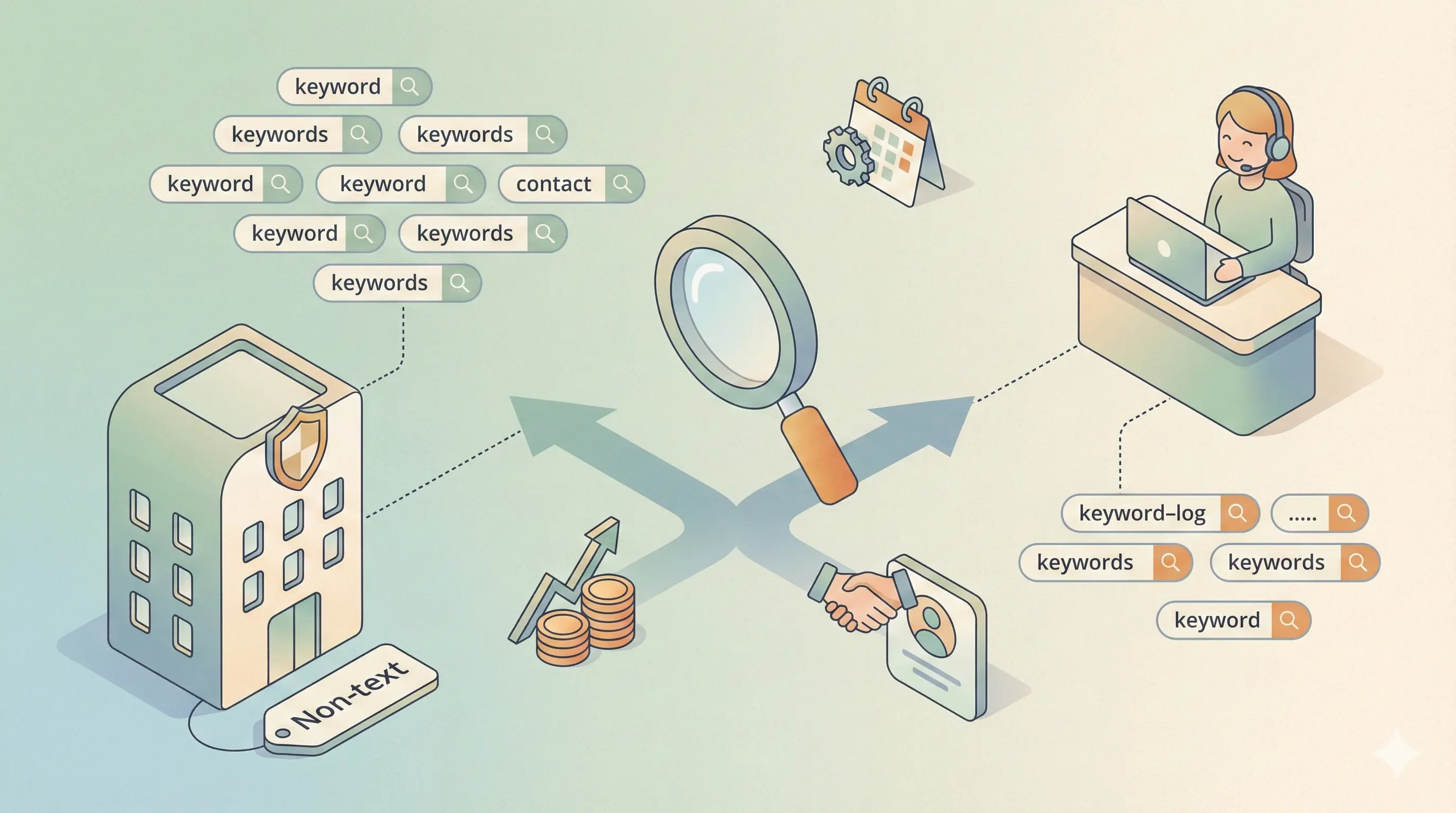
Insurance Broker vs Agent SEO: Which Keywords to Target (2026)

Google Business Profile SEO: Win More Local Clients in 2026
Turn this into your AI Search strategy
LLaMaRush creates SEO, AEO, and GEO optimized content built to rank in Google and get cited by AI answer engines.
Start Ranking Everywhere