

SEO for Insurance Agents: The Complete Guide
Get consistent insurance leads from Google. Step-by-step SEO guide for agents ranking locally, getting calls, and growing their book of business.


You're an independent insurance agent. You know better than anyone that trust is the currency of your business. But here's the problem most agents miss: Google doesn't know you exist yet.
You can be the most honest, responsive agent in your city. But if a family searching "home insurance agent near me" lands on a competitor's page before yours, you never get the chance to prove it. You've lost the sale before you even knew there was a sale.
This guide isn't about gaming the system or stuffing keywords into blog posts. It's about building a digital presence that actually reflects who you are, a local expert people can trust with their homes, their cars, their families, and their businesses. Because in 2026, trust isn't just what you say on your website. It's what Google can verify about you.
Quick Start: The 30‑Day Insurance SEO Roadmap
If you only have an hour today, here's what moves the needle fastest:
| Timeframe | Action | Expected Impact |
|---|---|---|
| Week 1 | Claim and fully optimize your Google Business Profile | Appear in local "Map Pack" within 14 days |
| Week 2 | Add 2–3 new photos to your GBP every week + post once weekly | Freshness signals boost local rankings |
| Week 3 | Respond to every review (positive and negative) | Builds trust signals Google looks for |
| Week 4 | Create one city‑specific service page | Captures hyper‑local search traffic |
The rest of this guide walks you through each piece in detail. But if you do nothing else this month, complete Week 1. It's the single highest‑ROI action you can take.
Chapter 1: Why Insurance SEO Is Different (And Harder) Than Other Industries
Insurance isn't like selling shoes or booking a hotel room. When someone searches for "life insurance agent," they're not comparison shopping for fun. They're protecting their family's future. That's why Google treats insurance content differently.
Your Money or Your Life (YMYL): The Rule You Can't Ignore
Google classifies insurance content under YMYL, "Your Money or Your Life." What does that mean for you? Google holds your website to a much higher standard than a local bakery or a home decor blog. Because if your content is misleading, someone could make a financial decision that hurts them for years.
The way Google enforces this is through E‑E‑A‑T: Experience, Expertise, Authoritativeness, and Trustworthiness. In plain English, Google asks three questions before showing your website to a searcher:
-
Do you actually know what you're talking about? (Expertise)
-
Can you prove you're a real business that serves real people? (Authority)
-
Would I trust you with my own insurance needs? (Trustworthiness)
If your website can't answer "yes" to all three, Google will show someone else's instead.
The AI Search Shift No One Is Talking About
Here's something most insurance agents don't realize. Research shows that 40% of insurance queries now start on AI chatbots like ChatGPT and Google Gemini. People aren't just typing questions into Google anymore. They're asking AI assistants directly: "What's the best term life insurance for a 40‑year‑old?" "How much home insurance do I need in Texas?"
Projections indicate insurance leads from AI search will increase 300% by the end of 2026. If your content isn't structured so AI can find it and trust it, you're invisible to nearly half of potential clients before they ever reach a search engine.
The good news? The same things that make Google trust you, clear expertise, real credentials, genuine client reviews, accurate local information, also make AI assistants trust you. You don't need a separate strategy. You just need to do the fundamentals right.
Chapter 2: Your Google Business Profile: The Most Important Page You Never Wrote
Most insurance agents think their website is their home base online. That's wrong. Your Google Business Profile is your digital storefront. When someone searches "insurance agent near me," the first thing they see isn't your beautiful website. It's your GBP listing in the Map Pack.
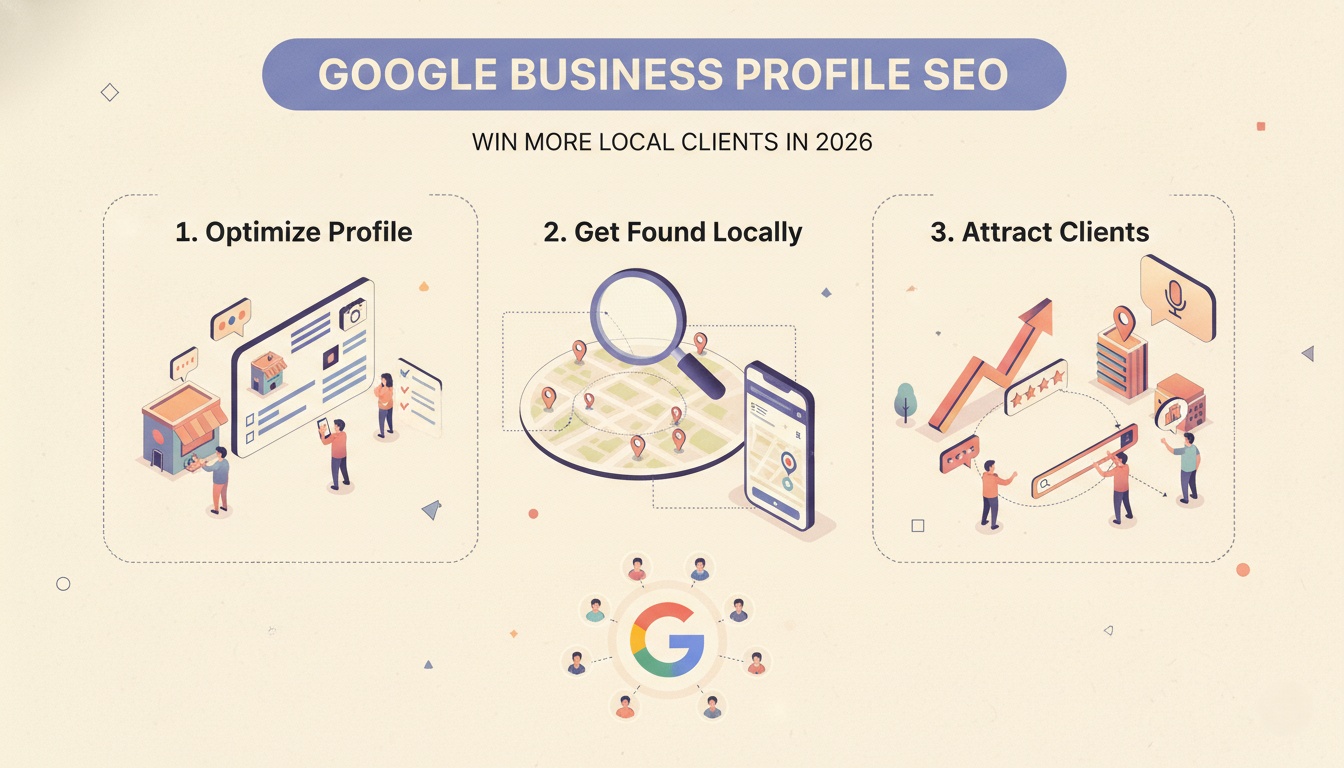 How to turn your Google Business Profile and website into one unified local SEO system that consistently converts nearby searchers into clients.
Here's why this matters. 87% of insurance shoppers research online before contacting an agent. And nearly 7 out of 10 consumers do a search before ever booking a meeting. If your GBP isn't optimized, you're invisible during the most critical moment, when someone is ready to buy right now.
The 2026 GBP Checklist for Insurance Agents
Set Your Primary Category Correctly
Your primary category should be whatever best describes your core business: "Insurance Agency," "Auto Insurance Agency," "Life Insurance Agency," or "Health Insurance Agency." Don't guess. Be specific.
Add Every Secondary Category That Fits
If you offer multiple types of insurance, list them. "Home Insurance Agency," "Commercial Insurance Agency," "Business Insurance Agency", each one helps Google understand when to show your profile.
Write a Description That Answers "Why You"
Don't just say "we sell insurance." Say "independent agency serving Springfield families for 15 years. We compare rates from 10+ carriers so you don't have to."
Add Photos of Your Team and Your Office
Profiles with photos get significantly more engagement. Add your logo, exterior shots of your office, and photos of your team. A face people recognize is a face people trust.
Collect and Respond to Reviews
Fresh, positive reviews improve both trust and visibility. And here's the part agents skip: respond to every review. Thank people who leave five stars. Address complaints professionally. Google notices which businesses are actively engaged.
Use Google Posts Weekly
Post once a week, client testimonials, policy explanations, community event participation, seasonal reminders (like "Review your homeowners coverage before hurricane season").
Enable Messaging if You Can Respond Quickly
If you can reply within minutes during business hours, turn on messaging. If not, leave it off. Nothing frustrates a prospect more than a "chat now" button that goes unanswered.
What Success Looks Like
A local brokerage recently focused on a 60‑day sprint to optimize their GBP. They gathered 20 new five‑star reviews, updated service descriptions with local keywords, and added high‑quality photos of their team and office. Their phone started ringing more. Their competitors stayed invisible.
Chapter 3: Content That Actually Brings in Leads
Here's where most insurance agents get content marketing wrong. They write blog posts about generic topics: "Why You Need Insurance" or "5 Tips for Saving Money." Nobody searches for that. And even if they did, they wouldn't call you afterward.
Effective insurance content answers specific questions from people who are already looking for answers. It matches where they are in their decision‑making process.
The Three Stages of Insurance Search Intent
Stage 1: Awareness ("I have a problem, but I don't know the solution")
Someone realizes they might need coverage but doesn't know what kind or how much. They search things like:
- "Do I need life insurance if I'm single?"
- "How much home insurance do I need?"
- "What does commercial auto insurance cover?"
Your job here is education, not sales. Write clear, plain‑language explanations that build trust without pressure.
Stage 2: Consideration ("I know what I need, now I'm comparing options")
This is where most insurance agents lose leads. The prospect has decided they need coverage. Now they're deciding who to buy from. They search:
- "Term vs whole life insurance"
- "Best home insurance companies for older homes"
- "Cheapest auto insurance for new drivers"
If your content helps them compare intelligently, you position yourself as the honest guide they'll call.
Stage 3: Decision ("I'm ready to buy, find me someone now")
These searches have the highest conversion rate because the person has already decided to purchase. They just need an agent. They search:
- "Insurance agent near me"
- "Commercial insurance broker [city name]"
- "Life insurance agent that works with diabetics"
If you're not showing up for these searches, you're losing ready‑to‑buy clients to competitors who are.
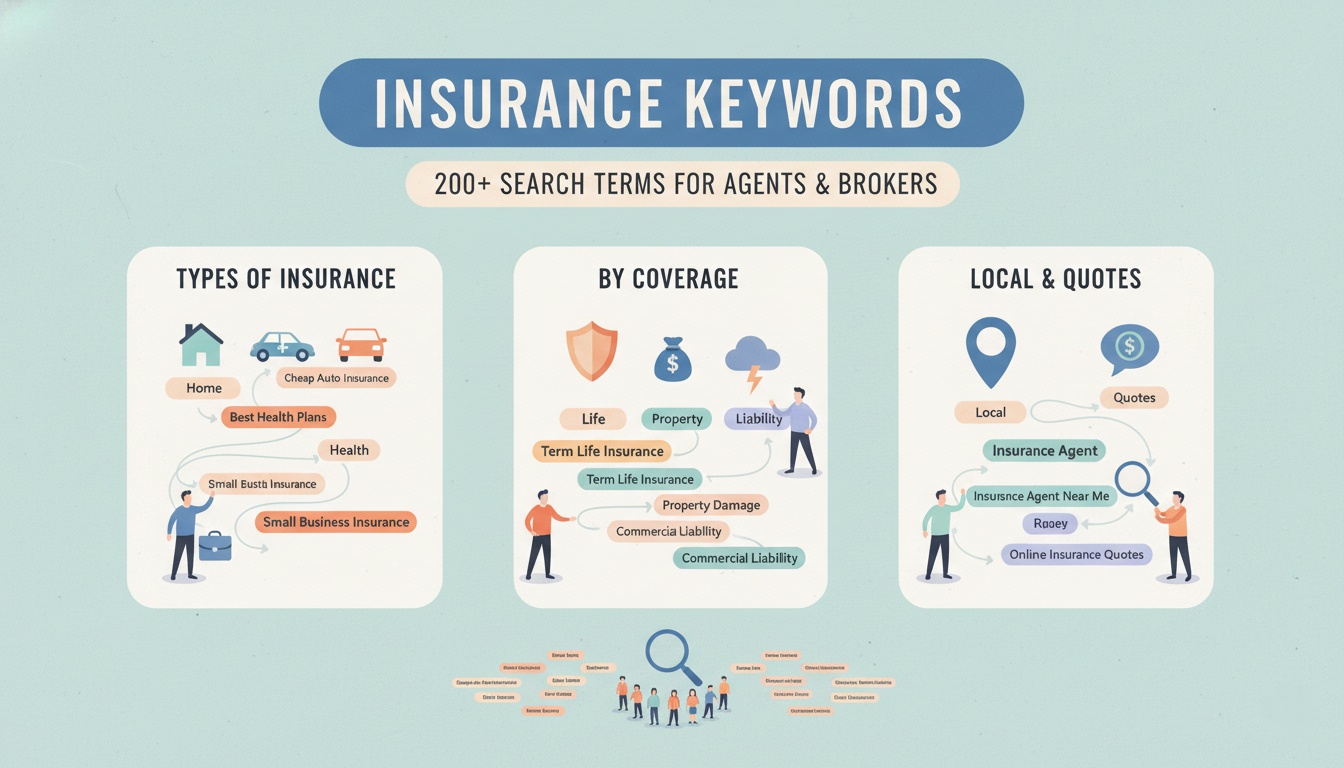 A ready-to-use list of 200+ insurance keywords sorted by type and buyer intent to help agents rank faster and attract higher-quality leads.
Real Blog Topics That Actually Get Calls
Instead of "Why You Need Insurance," write:
-
"How Much Life Insurance Does a 30‑Year‑Old Actually Need? (2026 Edition)" – Specific. Helpful. Targeted.
-
"Commercial Auto Insurance for Delivery Drivers in [Your City]" – Local. Niche. Converts.
-
"Term Life vs Whole Life: Which One Makes Sense for Young Families?" – Comparison content that builds trust.
-
"What Happens If You Drive Without Insurance in [Your State]?" – Problem‑focused. Emotional. Shareable.
-
"The $500,000 Life Insurance Question: Term or Permanent?" – Specific dollar amounts attract serious buyers.
-
"Independent Agent vs. Captive Agent: What's the Difference (And Why It Matters)" – Educational content that positions you as the expert.
One Strategy Most Agents Ignore: Local Landing Pages
Most agency websites have one generic "Services" page. That's a missed opportunity. Instead, create city‑specific landing pages. For example:
yoursite.com/auto-insurance/austin-txyoursite.com/home-insurance/riverside-cayoursite.com/commercial-insurance/phoenix-az
Each page targets "insurance agent in [city name]" searches. Each page includes local landmarks, local regulations, and a clear call to action. This is how you win hyper‑local search.
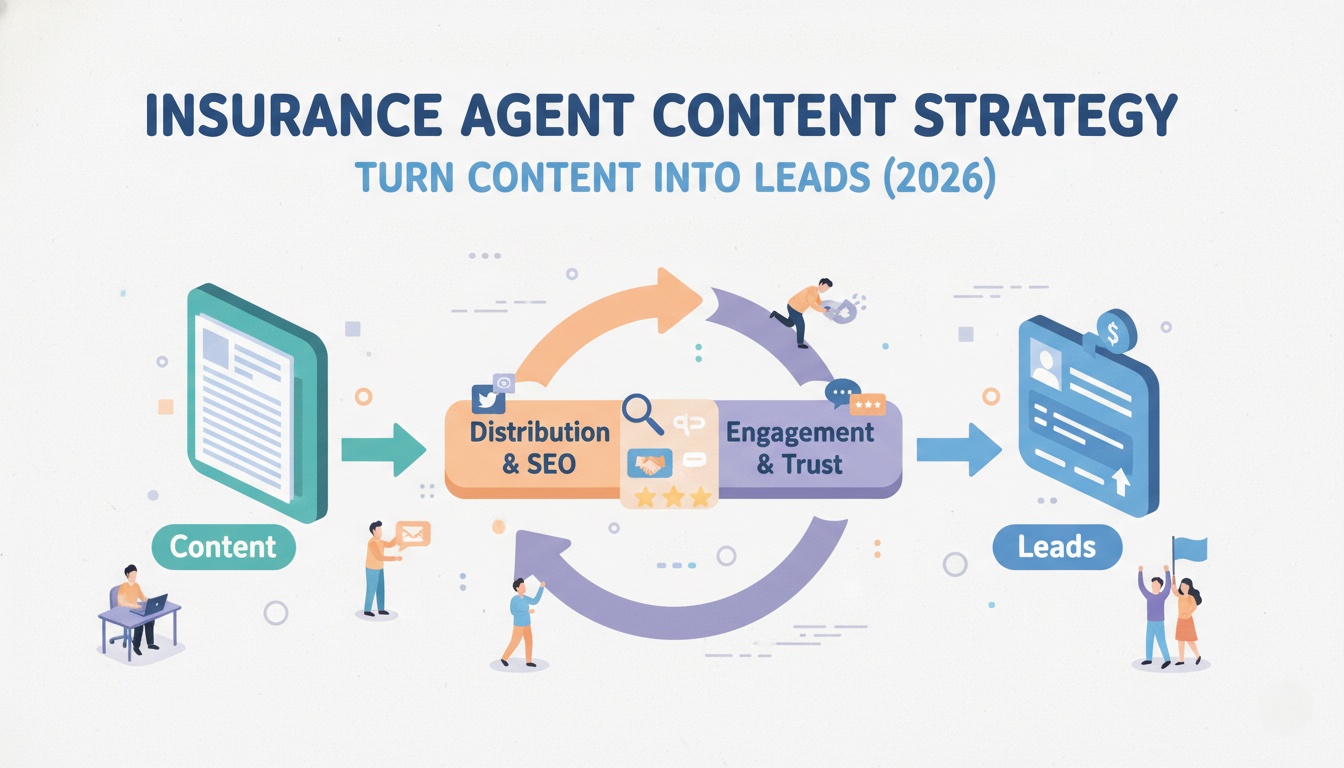 A curated list of 200+ insurance keywords organized by type and buyer intent to help agents target the right searches and drive qualified leads.
Chapter 4: Keywords That Bring Ready‑to‑Buy Clients
Broad keywords like "car insurance" get millions of searches. They also get millions of competitors. As a local independent agent, you can't win that fight. Don't try.
Your advantage is local knowledge and specific expertise. Target long‑tail keywords, `longer, more specific phrases that actual clients type when they're ready to buy. These searches have lower volume but much higher conversion rates.
Long‑Tail Keywords That Convert (Real Examples)
| Type | Broad Keyword (Avoid) | Long‑Tail Keyword (Target) |
|---|---|---|
| Auto Insurance | "car insurance" | "cheap auto insurance after DUI in [city]" |
| Life Insurance | "life insurance" | "term life insurance for new parents under 40" |
| Home Insurance | "home insurance" | "home insurance for older homes in [neighborhood]" |
| Commercial | "business insurance" | "business insurance broker for contractors in [city]" |
| Medicare | "Medicare" | "Medicare Part D plans accepted by [local hospital]" |
Notice the pattern? Each long‑tail keyword includes a specific problem, a specific audience, or a specific location. That's how you attract people who already know they need coverage and are ready to talk to an agent.
Where to Find Your Own Long‑Tail Keywords
Start with what your current clients ask you. "What's the cheapest way to insure my teen driver?" becomes a blog post: "Cheapest Auto Insurance for Teen Drivers in [Your State]."
Then use free tools like Google Keyword Planner or UberSuggest to find variations and estimate search volume. You don't need expensive software. You need to think like your clients.
Chapter 5: Schema Markup: The Code That Helps Google Understand You
This sounds technical. It's actually simple. Schema markup is code you add to your website that labels your information, invisible to visitors but visible to search engines. It answers specific questions for Google: Who are you? What do you offer? Where are you located?
When you add schema markup correctly, Google can show your business hours, reviews, qualifications, and specific services directly in search results instead of just a plain text link.
For insurance agents, effective schema markup can drive 20‑30% higher click‑through rates. That means more people clicking your link instead of a competitor's.
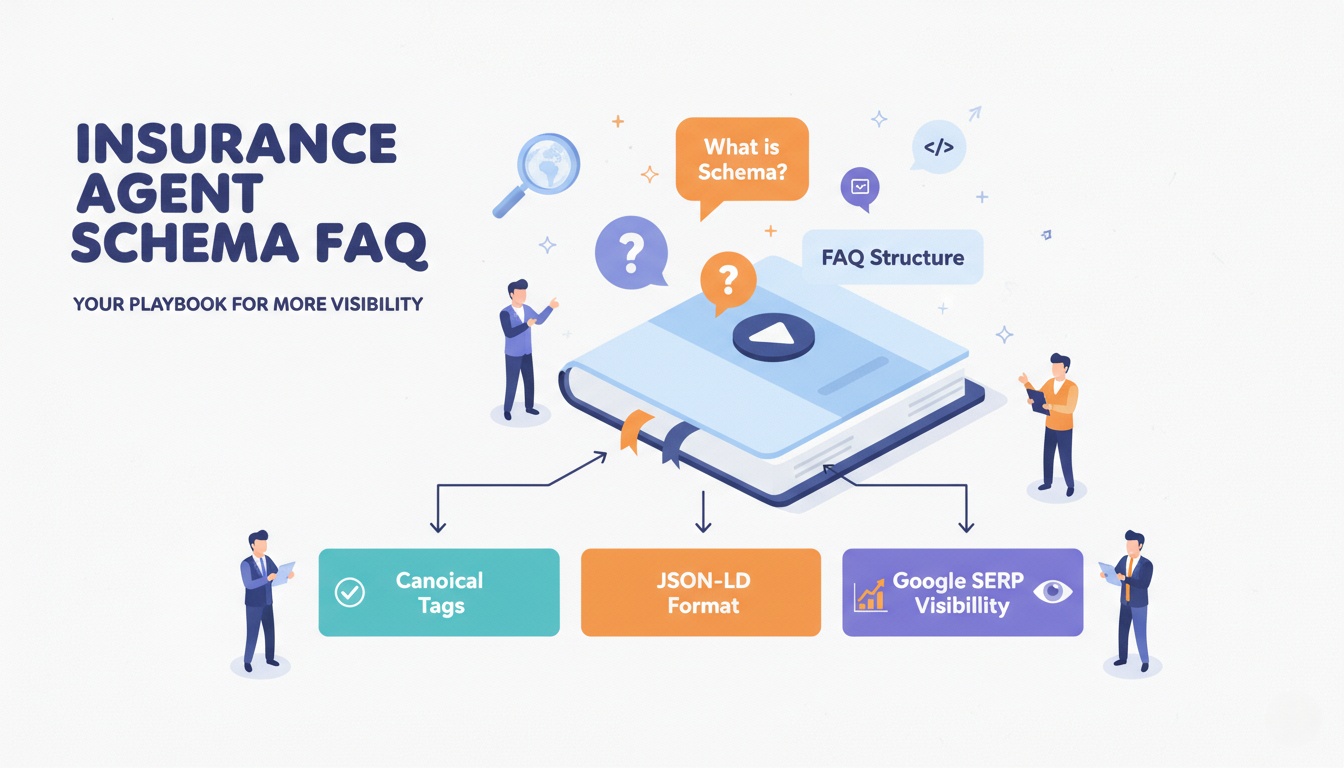 A technical playbook showing insurance agents how to implement FAQ schema markup to earn Google rich snippets and stand out in local search results.
The Four Schema Types Every Insurance Agent Needs
| Schema Type | What It Does | Why You Need It |
|---|---|---|
LocalBusiness | Tells Google your address, hours, service areas | Essential for local "near me" searches |
InsuranceAgency | Specifies you're an insurance agency (not a restaurant or retail store) | Helps Google categorize you correctly |
Service | Lists each coverage type you offer (auto, home, life, commercial) | Helps you appear for specific service searches |
FAQ | Shows questions and answers directly in search results | Captures "people also ask" traffic |
What Schema Looks Like (Simplified)
You don't need to understand the code. You just need to add it to your website. A basic InsuranceAgency schema tells Google: "This business is an insurance agency located at this address, serving these areas, offering these types of coverage." Tools like RankMath or Yoast can help you add it without touching code.
The key point: schema markup isn't optional in 2026. Google recommends JSON‑LD format, and it's the only format you should use. If you haven't added schema to your website yet, put this at the top of your to‑do list.
Chapter 6: Building Backlinks That Actually Work for Local Agents
Backlinks are links from other websites to yours. Google treats them like votes of confidence. The more reputable websites that link to you, the more Google trusts you.
But here's what most SEO guides won't tell you: for a local insurance agent, ten local backlinks are worth more than a hundred generic ones. A link from your city's Chamber of Commerce, a local news site, or a community organization signals to Google that you're a real, trusted business in that specific area.
Practical Ways to Earn Local Backlinks (No Hacks, Just Relationships)
| Tactic | How to Do It | Example |
|---|---|---|
| Sponsor a local youth sports team | Your name on jerseys → link from team's sponsor page | "Smith Insurance sponsors the Little League Cubs" |
| Join the Chamber of Commerce | Membership includes a directory listing and often a backlink | Chamber website links to your agency |
| Write a guest post for a local business blog | Offer to write "5 Insurance Mistakes Small Business Owners Make" for a local accounting firm's blog | Guest byline with link back to your site |
| Get quoted in local news | Respond to HARO (Help a Reporter Out) queries about insurance topics | Journalist quotes you as a local expert with a link |
| Partner with complementary local businesses | Real estate agents, mortgage brokers, financial planners, exchange links on resource pages | "Trusted partners" section on each other's websites |
| Create a scholarship | $500 scholarship for local high school students → link from school's website | "Smith Insurance Annual Scholarship for [High School Name]" |
These strategies work because they're genuine. You're not buying links or spamming directories. You're building real relationships with real organizations in your community.
Chapter 7: Technical SEO: The Foundation Nobody Sees (But Google Checks)
Your content can be perfect. Your GBP can be fully optimized. But if your website is slow, broken on mobile, or insecure, Google won't show it to anyone.
The Non‑Negotiable Technical Checklist
1. Mobile Optimization
Most insurance searches happen on phones. A family's water heater bursts, they grab their phone, and they search "home insurance claim phone number." If your website isn't easy to use on a small screen, they'll click the next result.
2. Site Speed
Google favors technically sound sites, especially for YMYL categories. A slow website signals neglect. Use Google's PageSpeed Insights to test your site. If it scores below 70 on mobile, fix it.
3. HTTPS Security
Your website must have an SSL certificate (the padlock icon in the browser bar). Without it, Google labels your site "Not Secure." Would you trust an insurance agent with a website that isn't secure? Neither will your clients.
4. Clear Site Structure
Every page on your website should be reachable within three clicks from your homepage. Your most important pages, auto insurance, home insurance, life insurance, commercial insurance, should be in your main navigation.
5. Internal Linking
Link between your related pages. Your "Auto Insurance" page should link to your "SR‑22 Insurance" page. Your blog post about teen drivers should link to your main auto insurance page. This helps Google understand which pages are most important.
Chapter 8: Measuring What Matters (Not Vanity Metrics)
You don't need to become a data analyst. You just need to know what's working and what isn't. Here's what to track and how often.
Weekly Check (5 Minutes)
| Metric | Where to Find It | What It Tells You |
|---|---|---|
| New GBP reviews | Google Business Profile dashboard | Are clients happy? Is Google seeing activity? |
| GBP photo views | GBP Insights | Are people looking at your profile? |
| "Discovery" searches vs "Direct" searches | GBP Insights | Are new people finding you, or only existing clients? |
Monthly Check (15 Minutes)
| Metric | Where to Find It | What It Tells You |
|---|---|---|
| Phone calls from GBP | Call tracking or ask "how did you hear about us?" | Is your GBP actually generating leads? |
| Website clicks from GBP | GBP Insights → Customer actions | Are people visiting your site from your profile? |
| Direction requests | GBP Insights | Are people planning to visit your office? |
Every 90 Days (30 Minutes)
| Metric | Where to Find It | What It Tells You |
|---|---|---|
| Keyword rankings for your top 10 terms | Google Search Console | Are you moving up or falling behind? |
| Pages with highest impressions | Google Search Console → Pages tab | Which content is working? Double down there. |
| Pages with impressions but zero clicks | Google Search Console | Fix these pages, they're showing up but not converting. |
The One Metric That Actually Matters
All these numbers are useful. But only one question tells you if your SEO is working: "Is my phone ringing more often from people who found me on Google?"
Train your office staff to ask every new caller: "How did you hear about us?" Keep a simple tally. At the end of each month, you'll know exactly how many leads came from your SEO efforts, and you can calculate exactly what each lead cost you in time and money.
Your 30‑Day Insurance SEO Action Plan
You don't need to do everything in this guide at once. Here's a realistic month‑by‑month plan that won't overwhelm you.
Week 1: GBP Optimization
-
Claim and verify your Google Business Profile
-
Set correct primary and secondary categories
-
Write a complete business description (750 characters)
-
Add logo, cover photo, team photos, office exterior
-
List all services with descriptions
-
Set your service area (cities/zip codes you serve)
-
Add business hours, phone, website link
Week 2: Content & Reviews
-
Ask 5 satisfied clients for Google reviews this week
-
Respond to every existing review
-
Write and publish one Google Post (e.g., client testimonial, safety tip)
-
Add 2‑3 new photos to your GBP
-
Write and publish one blog post answering a real client question
Week 3: Technical & Local
-
Add schema markup to your website (or ask your web person to do it)
-
Check mobile usability in Google Search Console
-
Create one city‑specific service page (e.g., "Auto Insurance in [City Name]")
-
Internal link from your main service page to the new city page
Week 4: Links & Measurement
-
Reach out to one local organization about a partnership or backlink
-
Check your GBP Insights, how many discovery searches this month?
-
Check Google Search Console, which pages are getting impressions?
-
Review your call tracking, how many leads came from Google this month?
Ongoing (30 Minutes Per Week)
-
Respond to new reviews within 48 hours
-
Add 2‑3 new photos to GBP weekly
-
Publish one Google Post weekly
-
Write one blog post every two weeks
-
Ask 2‑3 satisfied clients for reviews monthly
Conclusion: Trust Is the Only Shortcut
Insurance SEO isn't about tricks or hacks. It's about proving to Google, and to potential clients, that you're a real, trustworthy, local expert who can help people protect what matters most.
The agents who win in 2026 won't be the ones with the biggest marketing budgets. They'll be the ones with the most accurate Google Business Profiles, the most helpful content, the most genuine client reviews, and the clearest proof of their expertise.
You already have the expertise. You already serve your community well. This guide just helps you show Google what you've been doing all along.
This guide is written exclusively for independent insurance agents and agency owners. If you're a consumer looking for a specific agent's contact information, please use Google Maps directly, this page does not provide individual agent listings.
Want to spend less time on SEO and more time serving clients? LLaMaRush automates local rank tracking, identifies your highest‑converting keywords, and monitors your Google Business Profile performance.
Thanks for reading! ❤️
Written by
JenishRead Next

Auto Insurance SEO: 7 Proven Ways Agents Get More Leads (2026)

Insurance Agent Content Strategy: Turn Content Into Leads (2026)

Insurance Agent Schema: How to Add JSON-LD Code for AI & Local Search
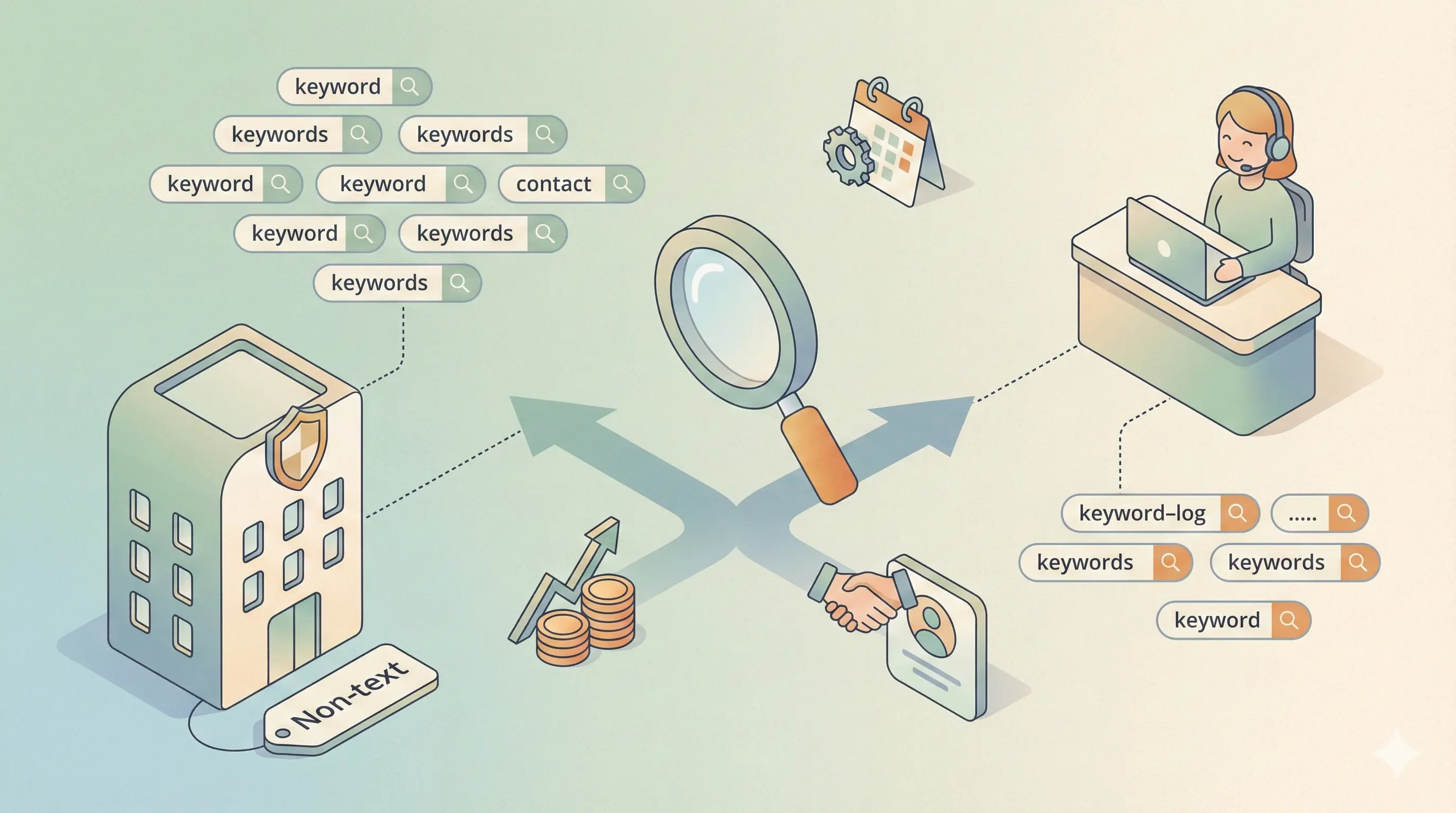
Insurance Broker vs Agent SEO: Which Keywords to Target (2026)

Life Insurance SEO: Turn Ready-to-Buy Searchers Into Clients

Google Business Profile SEO: Win More Local Clients in 2026

Find Competitor SEO Blind Spots: Content Gap Analysis Guide

Content Strategy Template: Build Your Plan in 2026 (Free)
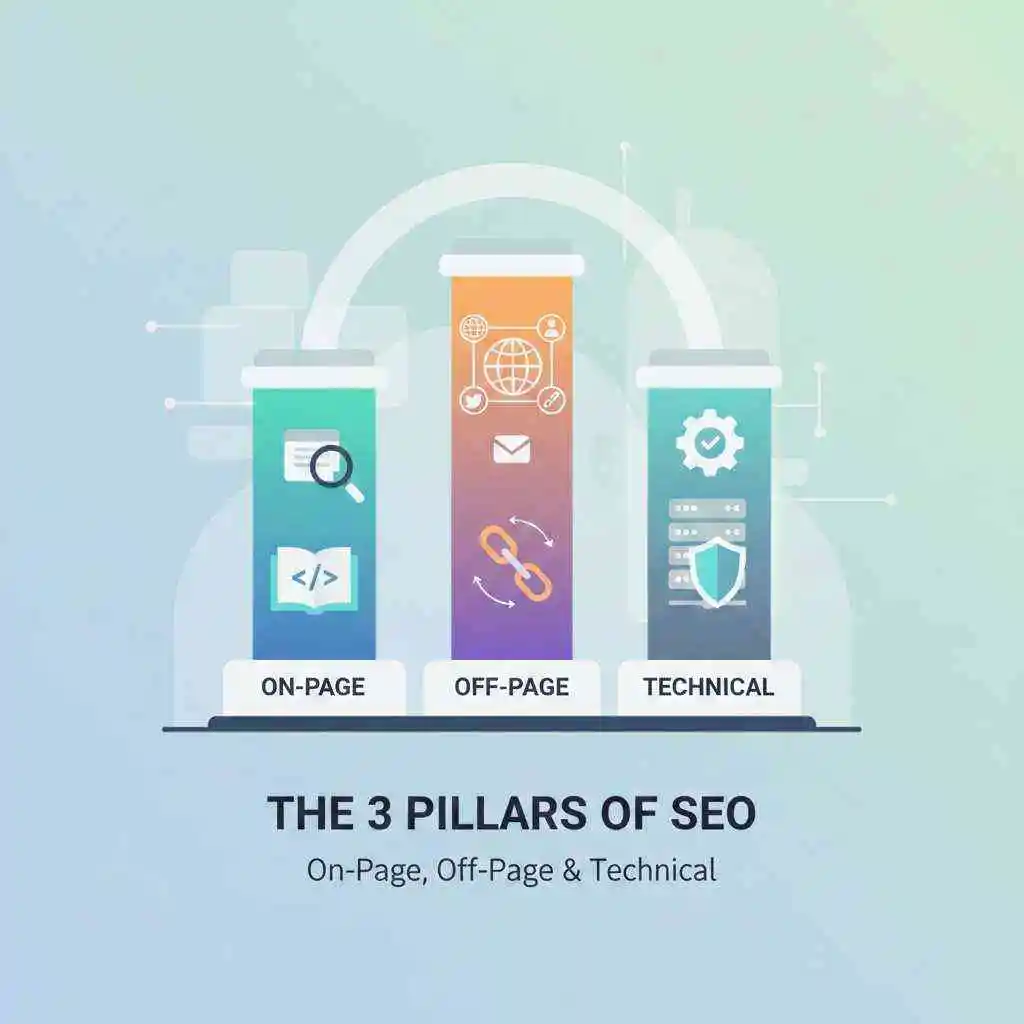
3 Pillars of SEO: On-Page, Off-Page & Technical (2026 Guide)

Google Ranking Algorithm Explained: How to Rank Higher in 2026
Turn this into your AI Search strategy
LLaMaRush creates SEO, AEO, and GEO optimized content built to rank in Google and get cited by AI answer engines.
Start Ranking Everywhere